 A functional guide for Handshake users A functional guide for Handshake users
Bob Wallet is a self-custodial wallet and full node to store your Handshake names and coins, and to manage the DNS records of your top-level domains.
Note: The original Bob Wallet is no longer maintained. The up-to-date version is Bob LearnHNS, an actively maintained fork by a group of longtime Handshake contributors. Bob DNS, the Bob Wallet app I personally maintain for umbrelOS, is also based on Bob LearnHNS and follows its updates.
Bob LearnHNS is a desktop wallet for browsing, buying, holding and managing Handshake names. It's lightweight by default thanks to SPV mode. Installing it is straightforward: download the latest release for your OS (Windows .msi, macOS .dmg or Linux .AppImage) and install it.
The app is quite intuitive, but it isn't just a coin wallet. The coin is only a utility token, and the real value lies in the names. So some features work differently from other wallets, such as sending and receiving names or taking part in auctions.
If you have doubts, it's worth watching the video tutorials from SkyInclude, whose team is one of the main current maintainers of Bob LearnHNS. The video is a bit old and Bob has added some new features since then, but the basics still apply: How To Use Bob Wallet For Handshake Domains
For questions or any other information, you can join the Discord servers:
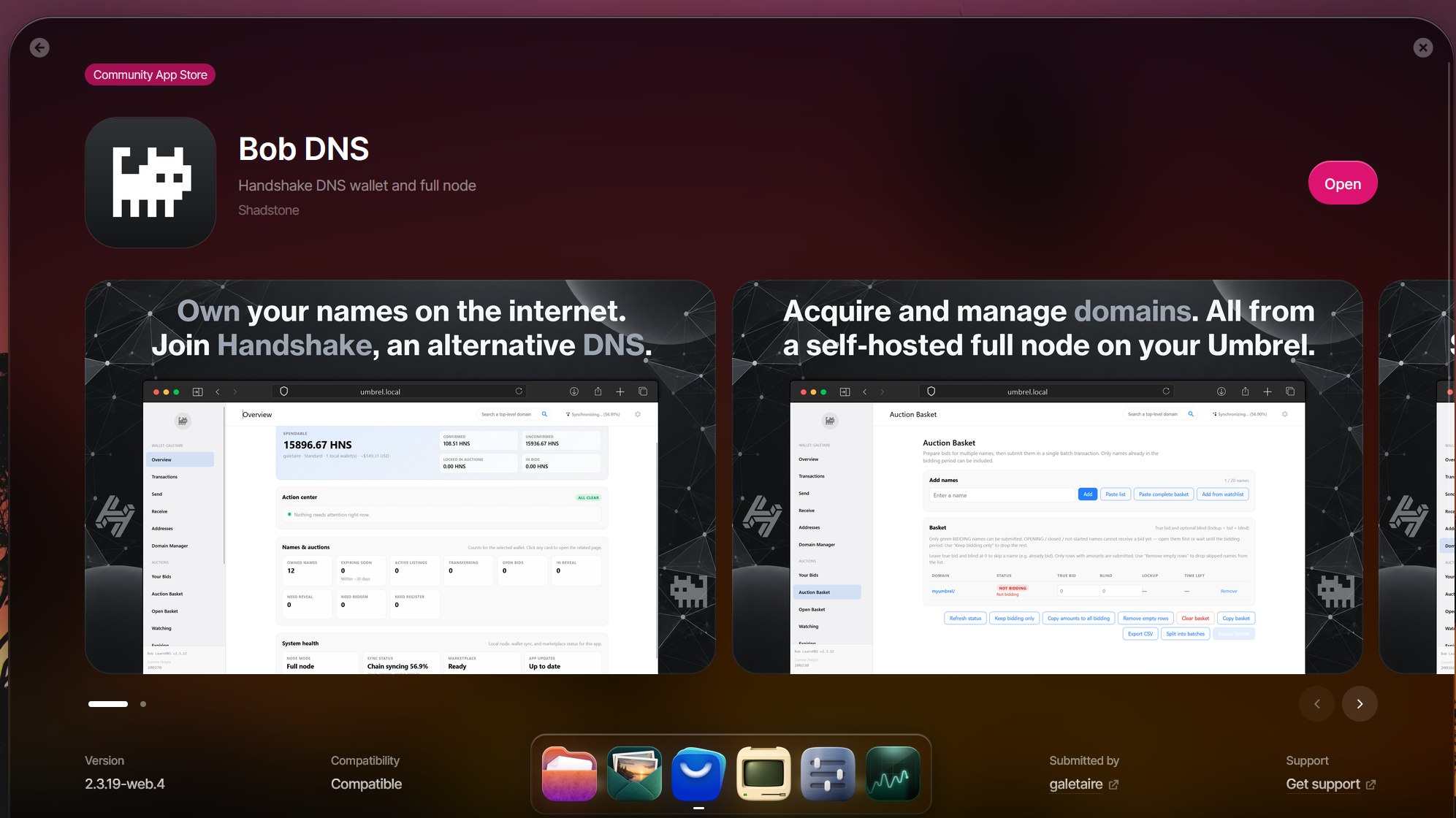
Bob DNS is a version of Bob Wallet for umbrelOS that I maintain personally. It's based on Bob LearnHNS and follows its updates. Right now the only difference is that it doesn't support Ledger devices. Apart from that, the code is identical and untouched, only adapted to run on umbrelOS.
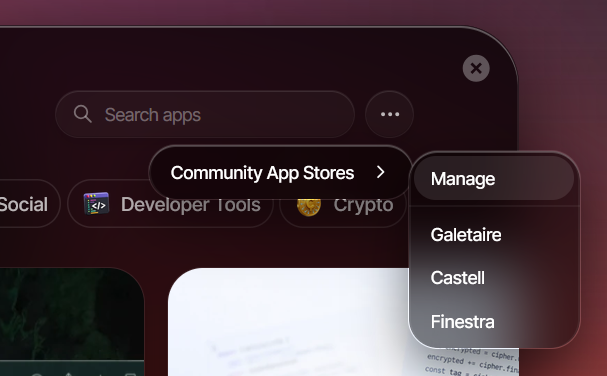
To install it on your Umbrel, go to App Store → Community App Stores → Manage, paste https://github.com/galetaire/bob-dns and install Bob DNS.
 Fingertip
 Finestra
 Yeil DNS
 Castell
 Coins faucet