 A functional guide for Handshake users A functional guide for Handshake users

Fingertip is a menubar app that runs a lightweight decentralized resolver for the Handshake root zone. It integrates with letsdane to provide TLS support without relying on a centralized certificate authority.
Note: The original Fingertip, by Impervious Inc., is no longer maintained. For this guide, I'll be using my personal fork, Fingertip-dit, available for Windows, Linux and macOS. Feel free to fork the project, and don't hesitate to share any comments or suggestions.
With Fingertip installed, you can browse Handshake addresses and the regular web as well.
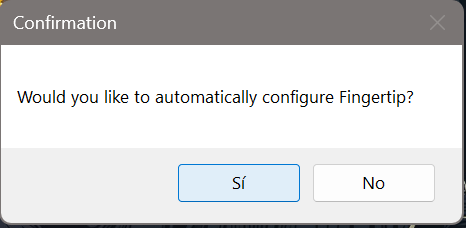
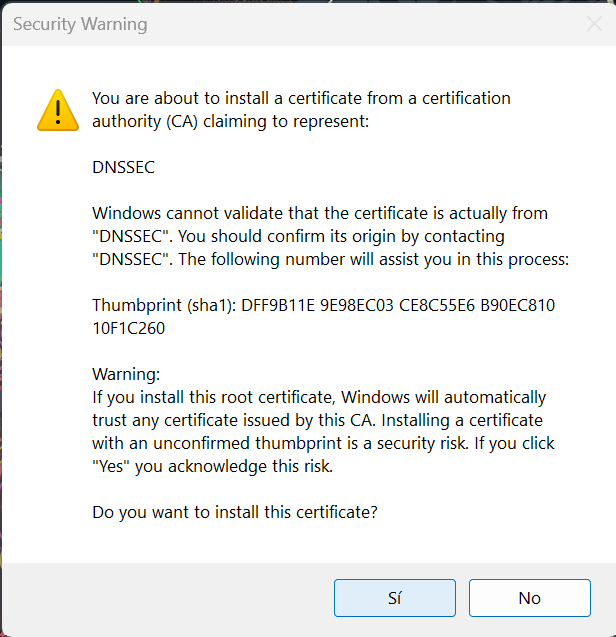
Run Fingertip-dit-0.0.4.msi. Before you do:
%LOCALAPPDATA%\Fingertip and needs no admin rights. It upgrades an existing Fingertip 0.0.3 in place.chmod +x Fingertip-dit-0.0.4-x86_64.AppImage
./Fingertip-dit-0.0.4-x86_64.AppImagelibfuse2 to run AppImages; without it, run with --appimage-extract-and-run.hnsd saves its headers in ~/.local/share/Fingertip-dit/hnsd-data.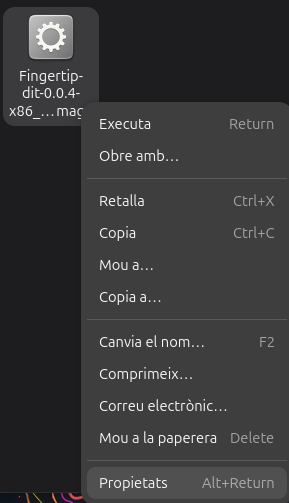 1 Download the AppImage and open its Properties
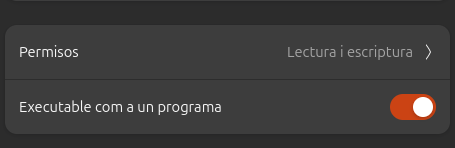 2 Tick “Allow executing file as program”
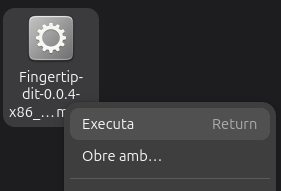 3 Run the AppImage
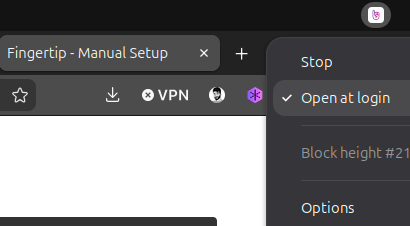 4 Click the Fingertip icon in the top bar
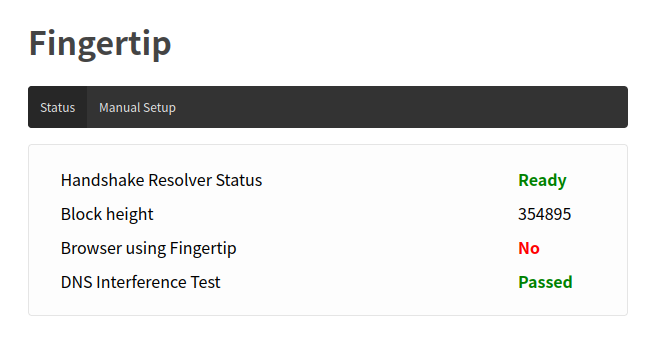 5 Firefox opens and Fingertip starts syncing
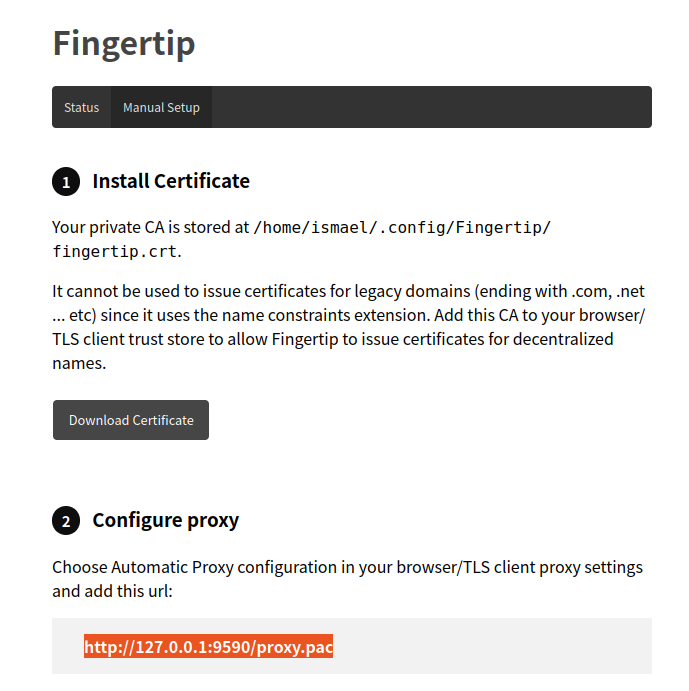 6 Download the certificate and copy the proxy address
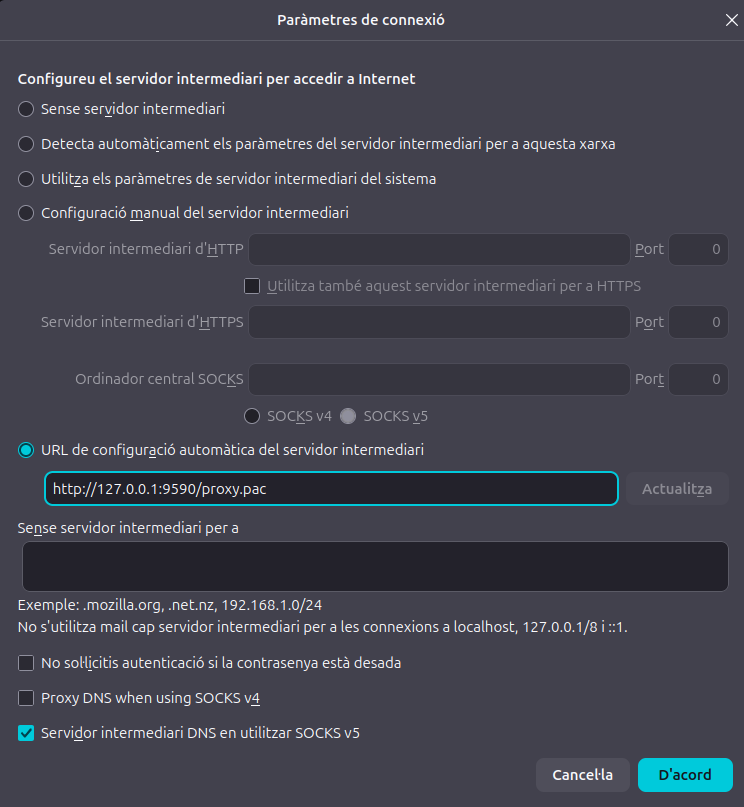 7 Paste the address into Firefox's proxy settings
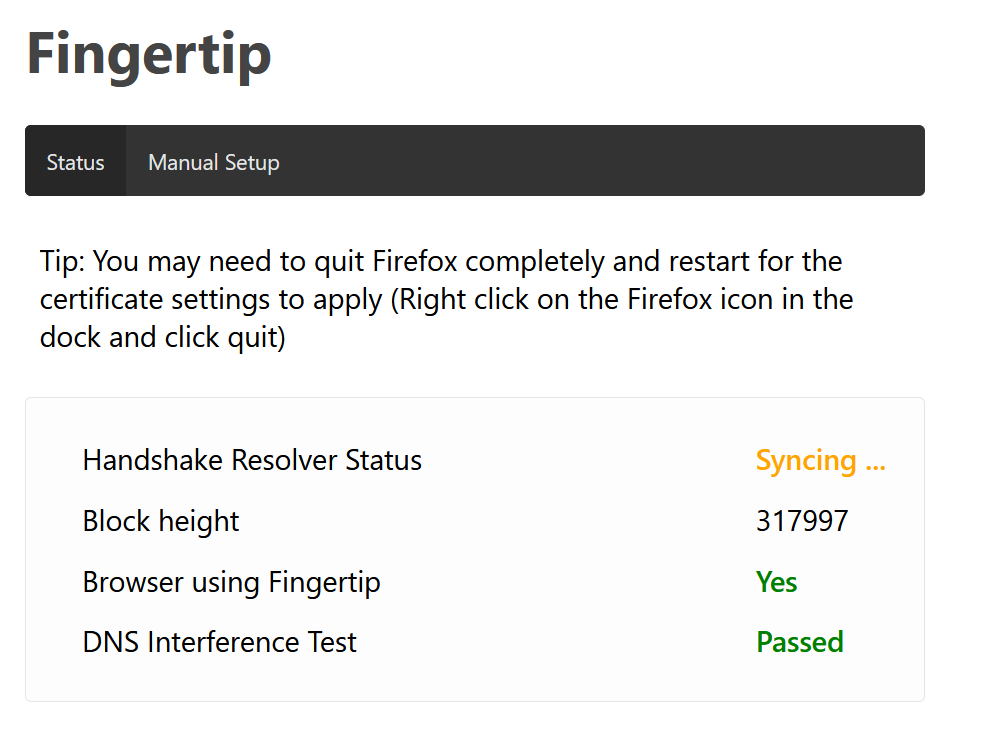
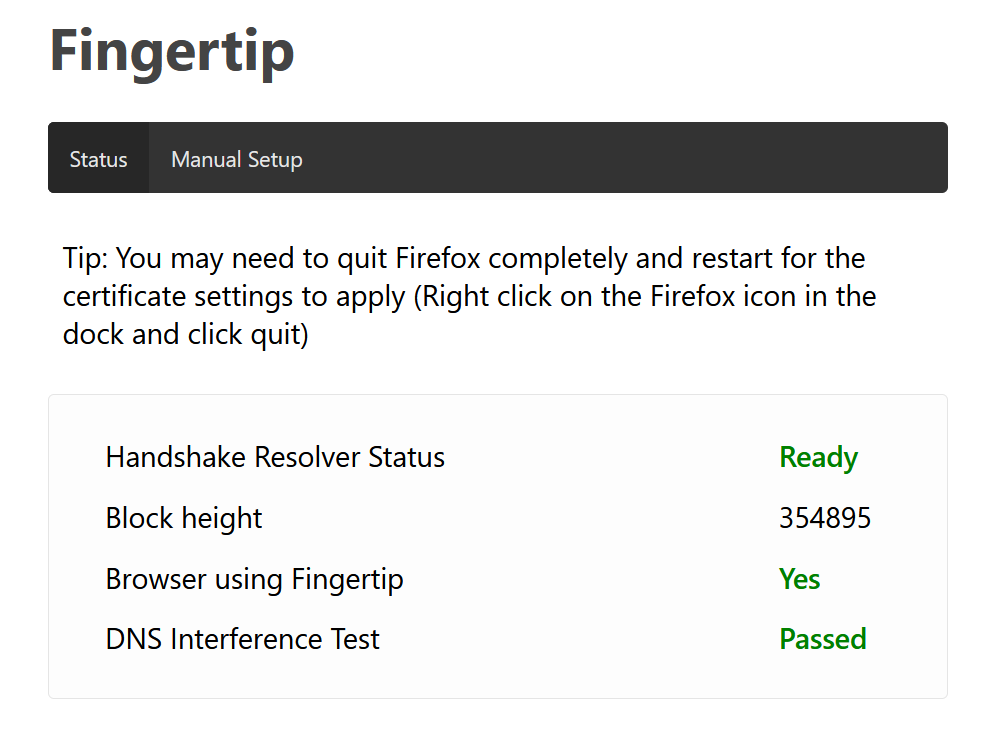
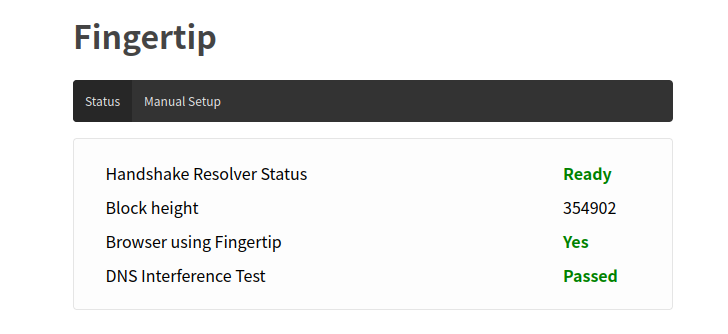 8 If everything worked, “Browser configuration” changes to Yes
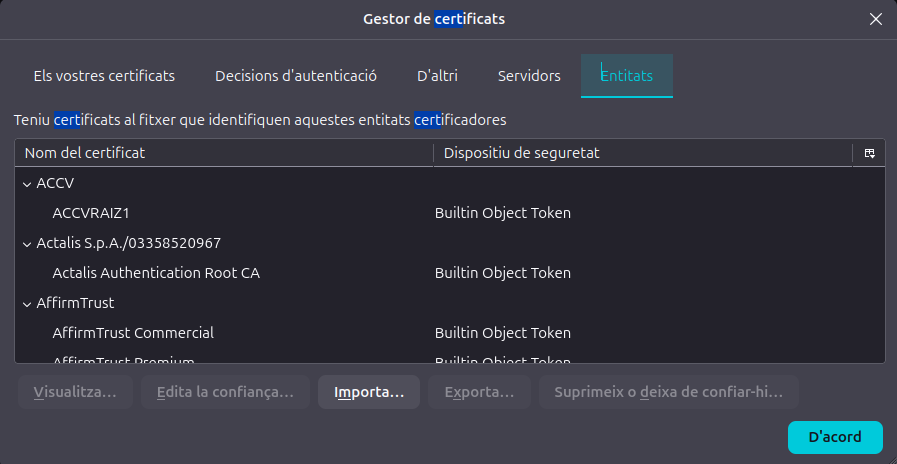 9 In Firefox's Certificate Manager, open the Authorities tab
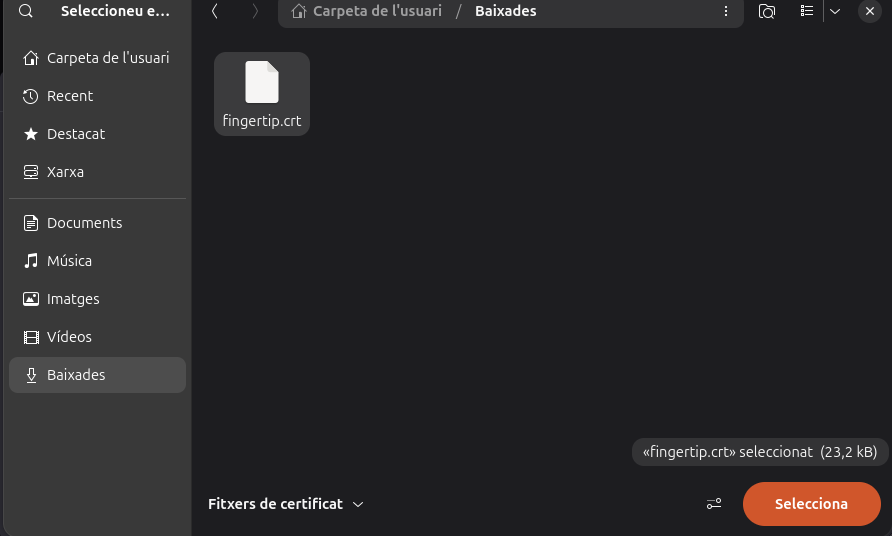 10 Import the certificate you just downloaded
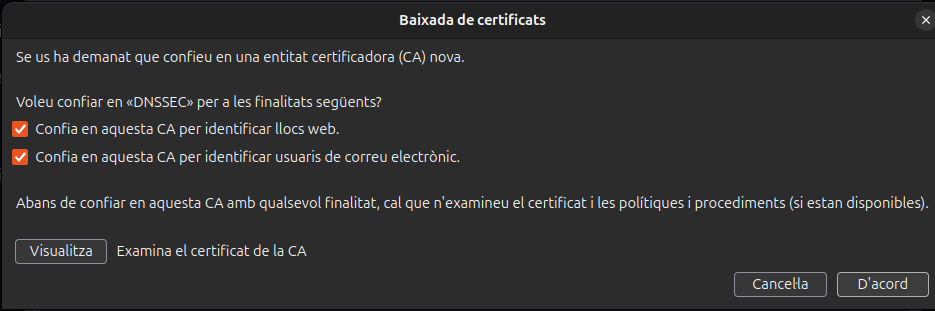 11 Trust it to identify websites (email is optional)
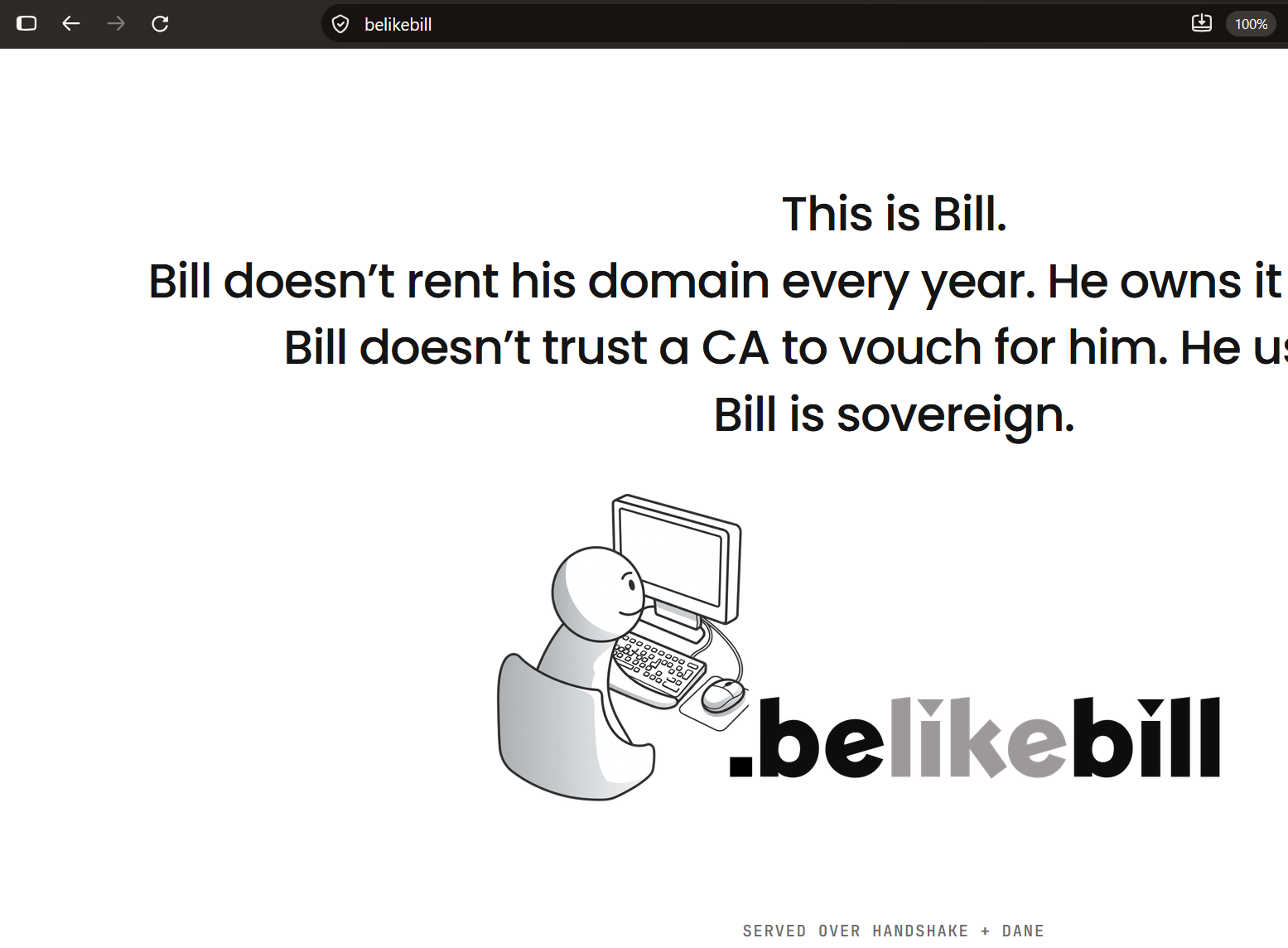
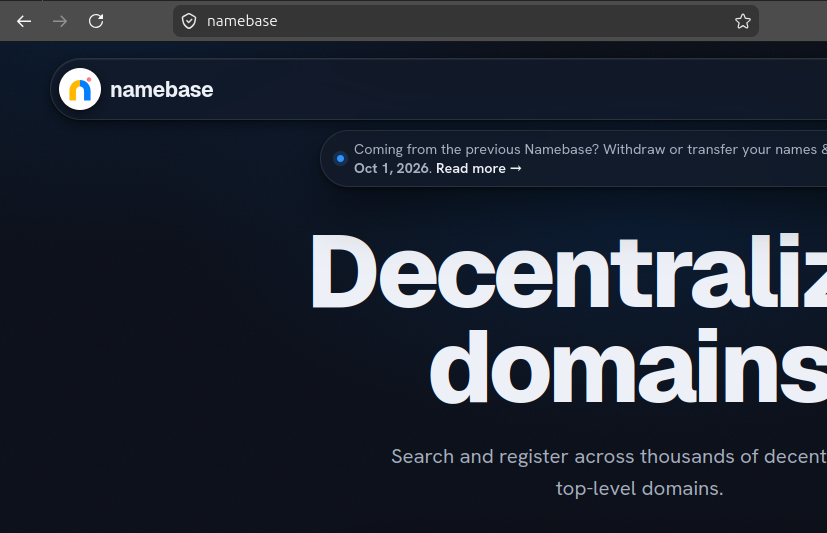 12 Visit a Handshake site, e.g. https://namebase/
Open Fingertip-dit-0.0.4.dmg and drag Fingertip-dit to Applications.
fingertip for Intel, so this package is Intel
too. On Apple Silicon it runs under Rosetta 2, which macOS offers to install on first
launch. Needs macOS 10.13 or newer.hnsd saves its headers in ~/Library/Application Support/Fingertip-dit/hnsd-data.On first start, lookups fail for about 2 minutes while hnsd syncs from its checkpoint.
After that, names resolve.
Is your issue not covered by any of the ones below? Feel free to send me an email or summon/DM me on Discord (@galetaire).
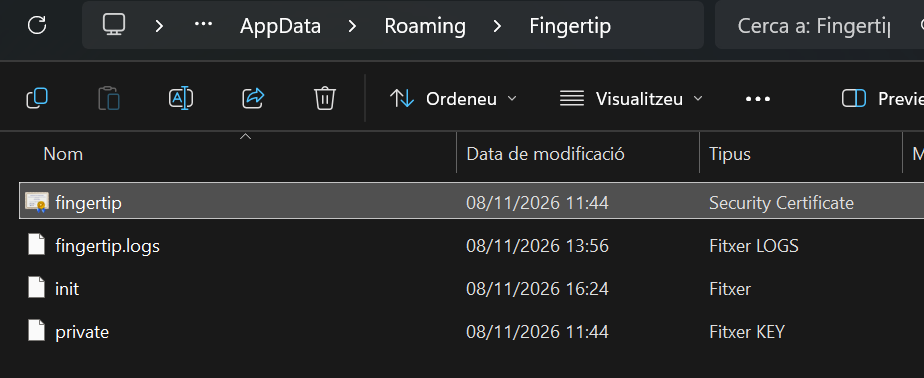
Certificates have a limited lifespan, so they eventually expire. To fix this, delete the old certificate manually and then reinstall Fingertip. Once it’s deleted, you’re ready to reinstall. On Windows, the certificate is stored in C:\Users\YOURUSER\AppData\Roaming\Fingertip.
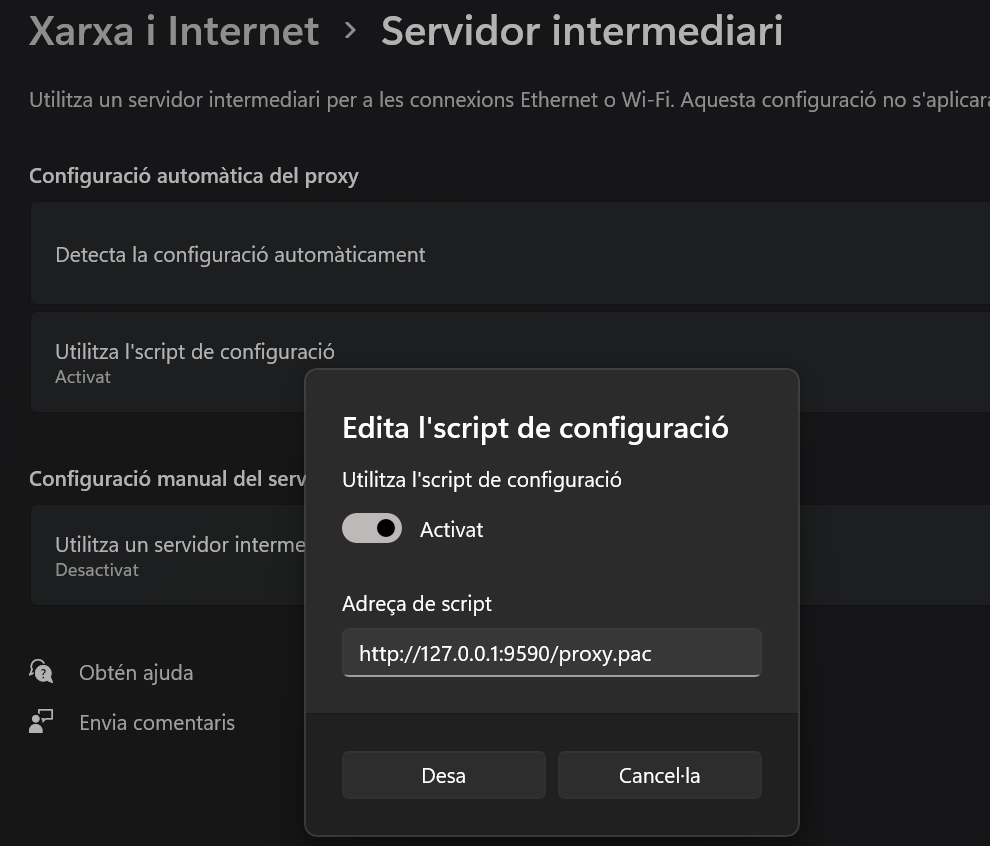
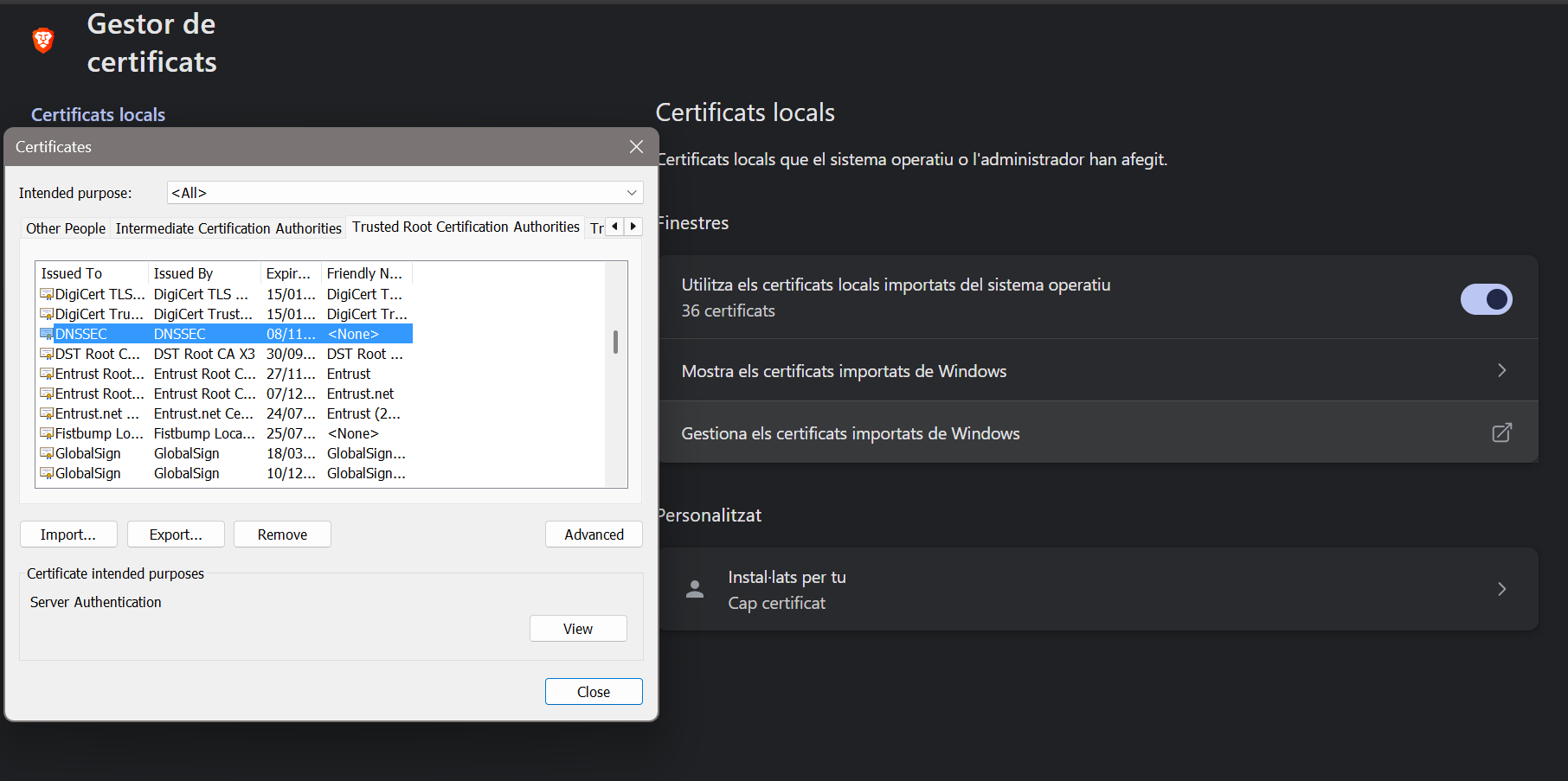
Unlike Firefox, browsers such as Chrome and Brave use your operating system's proxy settings (Windows, macOS or Linux), so you must add the proxy to your OS. If your browser resolves sites after this fix but the address bar says it isn’t secure, it’s because you haven’t added the Fingertip certificate (DNSSEC) to your Trusted Root Certification Authorities. You can usually add it either to your operating system or to the browser only.
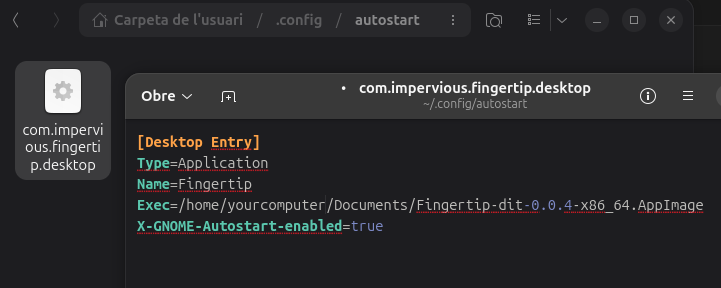
For Linux to start Fingertip at login, the AppImage needs to stay in a permanent location. If it's somewhere temporary, Linux won't find it, so Fingertip won't run at startup. Save the AppImage in a folder such as ~/Applications or ~/Documents, not in Downloads.
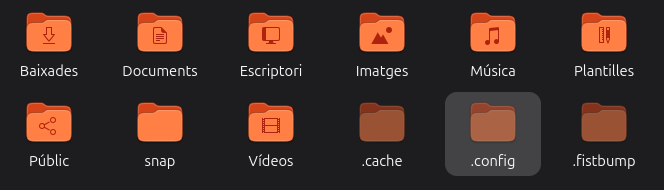
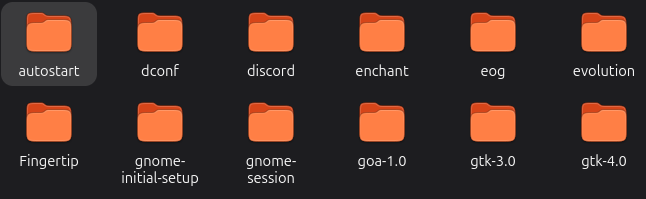
If you already installed from a temporary folder, go to ~/.config/autostart/ and edit the Exec= line in the fingertip.desktop file so it points to the new location.
[Desktop Entry]
Type=Application
Name=Fingertip
Exec=/home/YOURUSER/Documents/Fingertip.AppImage
X-GNOME-Autostart-enabled=true
X-GNOME-Autostart-Delay=5If you ever want to fully uninstall Fingertip-dit, cleaning all files from your system, there's a step-by-step guide, both for Windows, Linux and macOS, in the project's README.
 Bob wallet
 Finestra
 Yeil DNS
 Castell
 Coins faucet